

The Hub uses the JupyterHealth Exchange for authentication. Once you have an Exchange account, logging into the Exchange logs you into the Hub too. You only need to do this once.
Get an invite code
Signing up requires an invite code.
Ask for one in the #jupyterhealth channel on Zulip.
Create your account
Go to the Exchange for your Hub and click Sign Up. For the demo Hub, this is https://
berkeley -jhe -demo .jupyterhealth .org/. 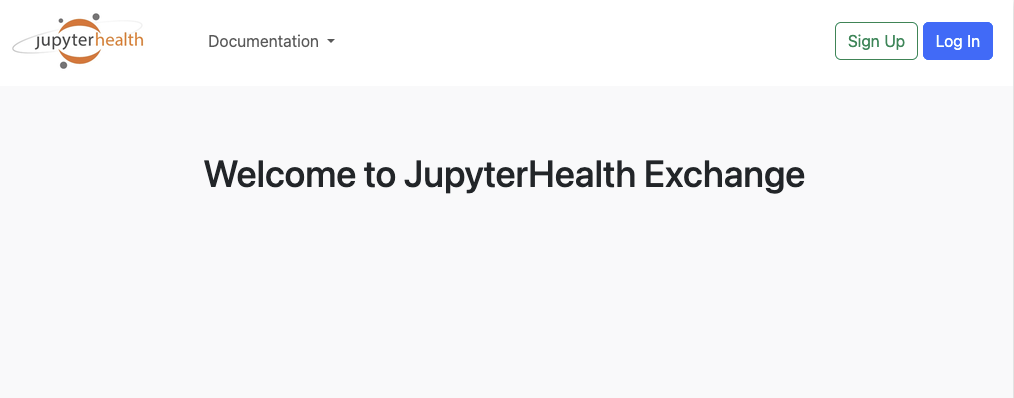
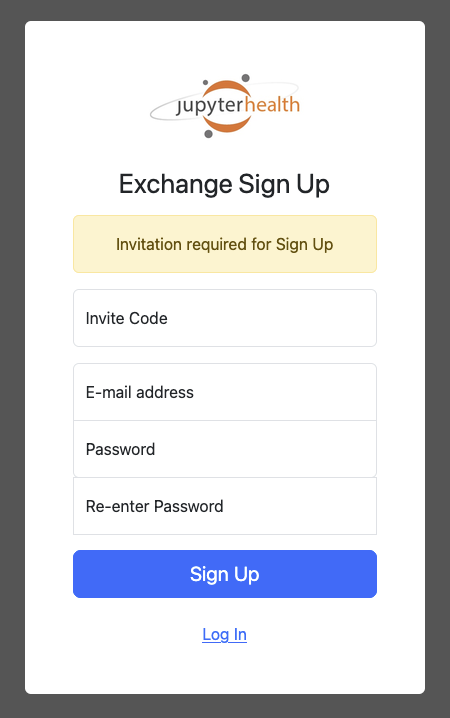
Enter your invite code, email address, and a password, then click Sign Up.
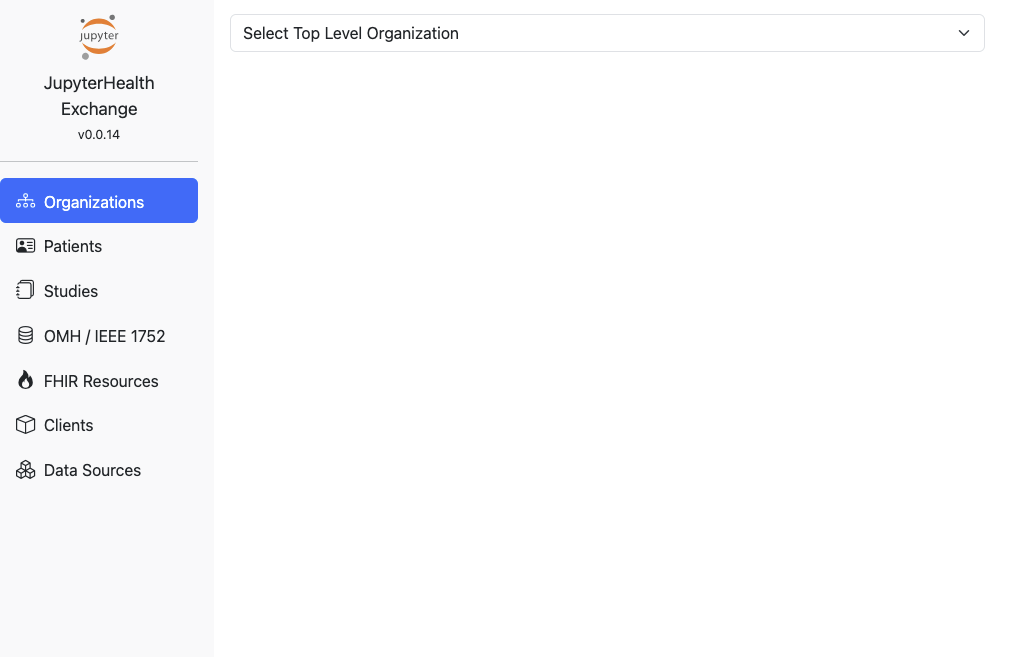
Log in. If you see the Exchange dashboard, your account works.
You’re now logged into the Exchange, so you can go straight to the Hub and launch a session.